Step 1
Copy the agent
The full MUSE text goes to your phone’s clipboard.
muse.txt13,845 charactersOn your clipboard
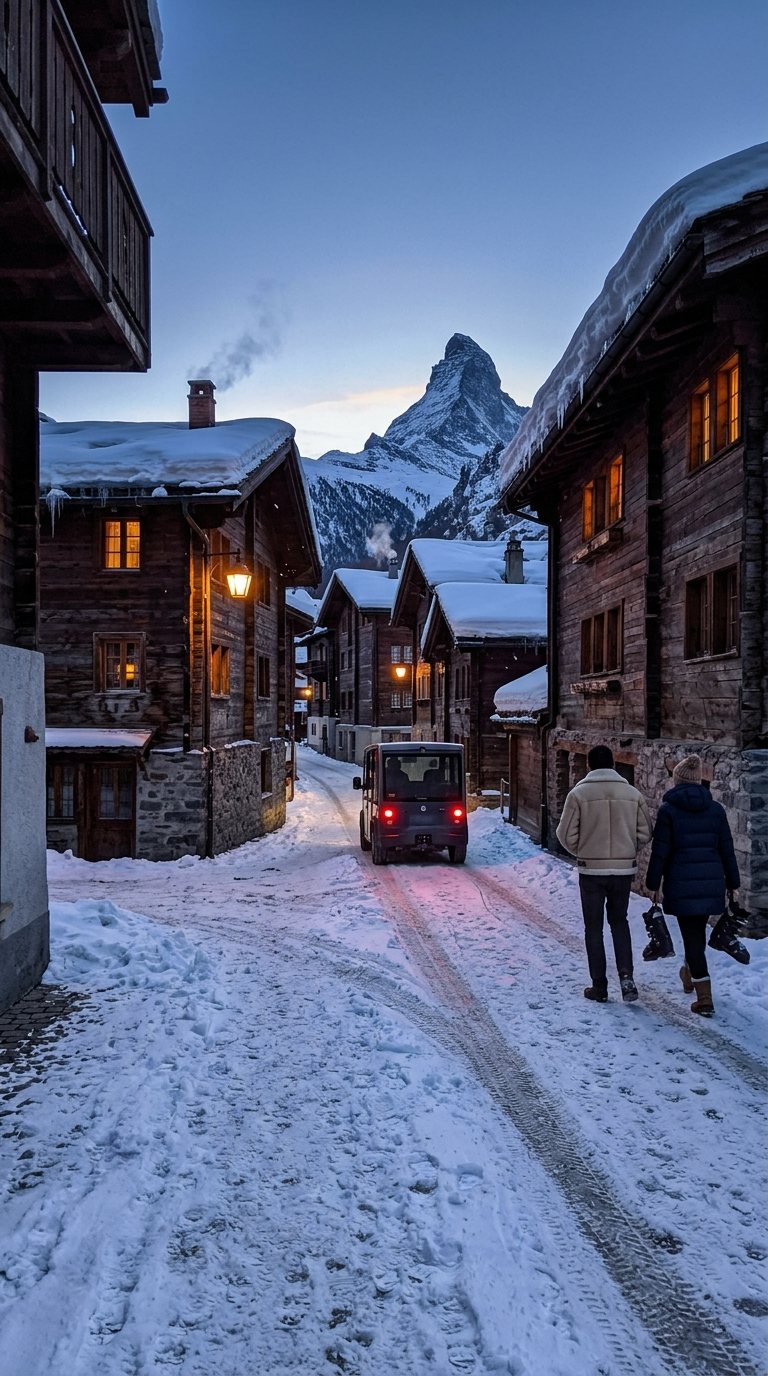
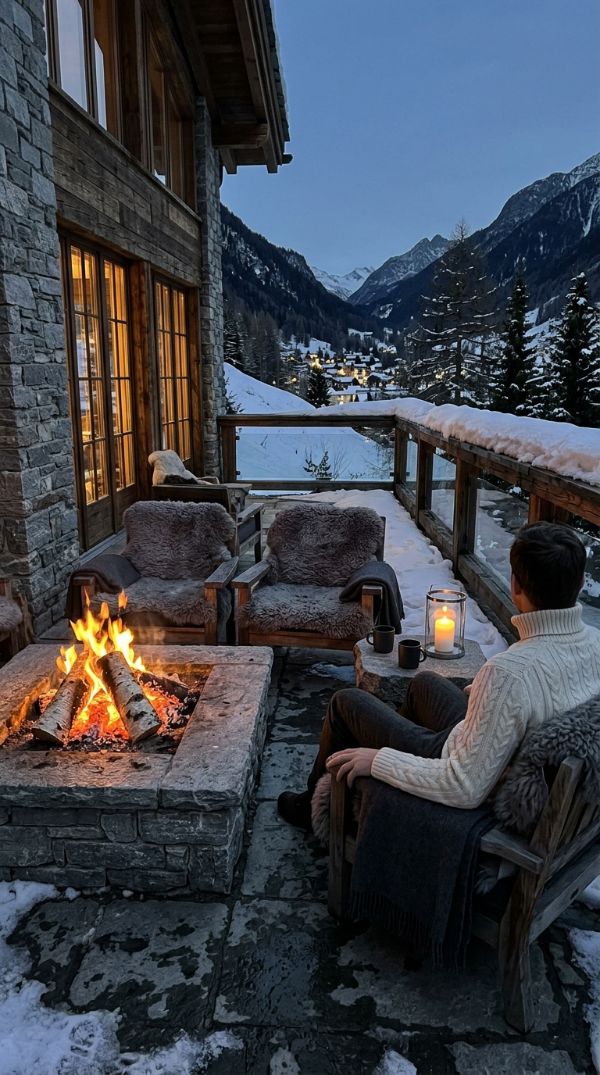
Photo made with MUSE and Flow
MUSE agent
Copy MUSE, paste it into ChatGPT or Gemini and get the prompt for an original photo, ready for Google Flow.
Step 1
The full MUSE text goes to your phone’s clipboard.
Step 2
In ChatGPT or Gemini. Use one chat per destination, so the light and the weather match across all your photos.
On a phone, the link may open the app if it is installed.
Step 3
Paste the text at the start of your first message, attach 2 or 3 references of the same scene and add a theme if you like.
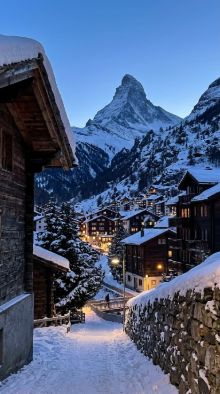


Here are 3 references. Theme: Zermatt, winter, blue hour. Create a new scene and write the prompt.
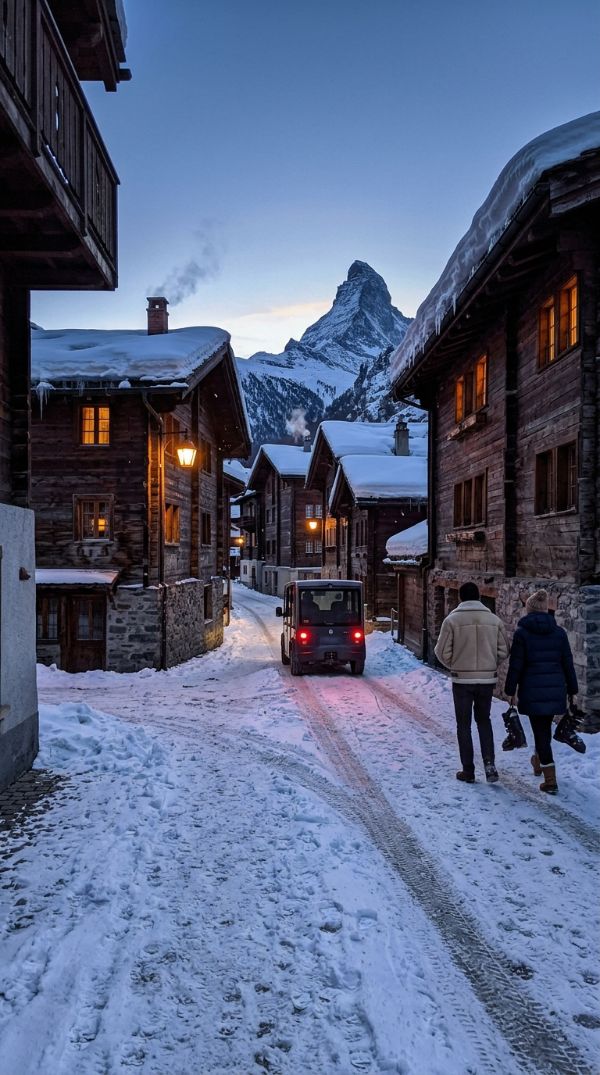
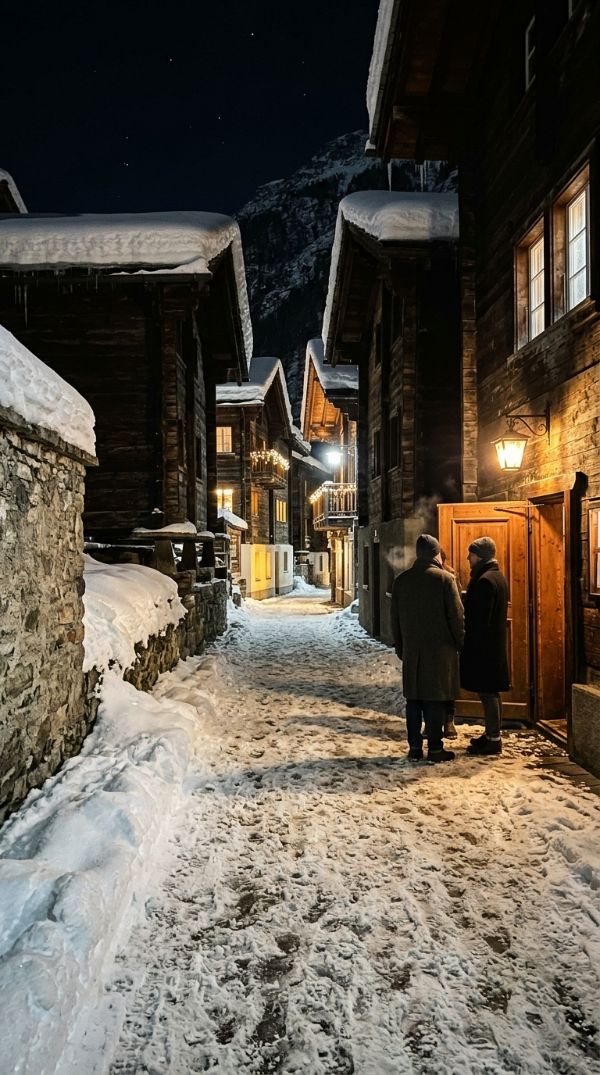
Vertical smartphone photograph of Zermatt during deep blue hour, captured from a snow-covered narrow lane on the lower edge of the village looking upward past dark timber chalets toward the towering…
Made with MUSE
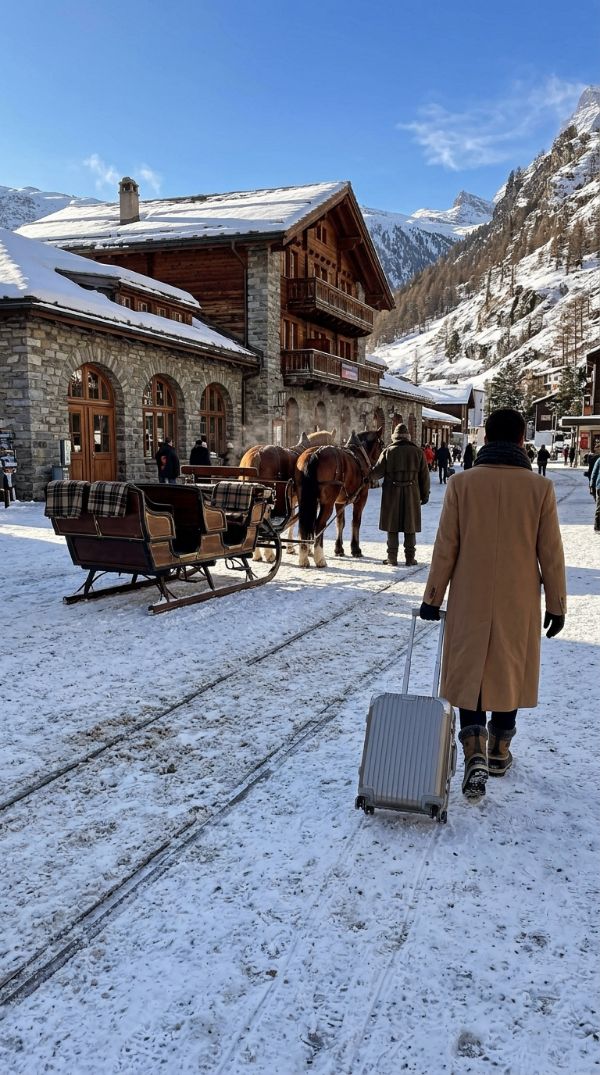
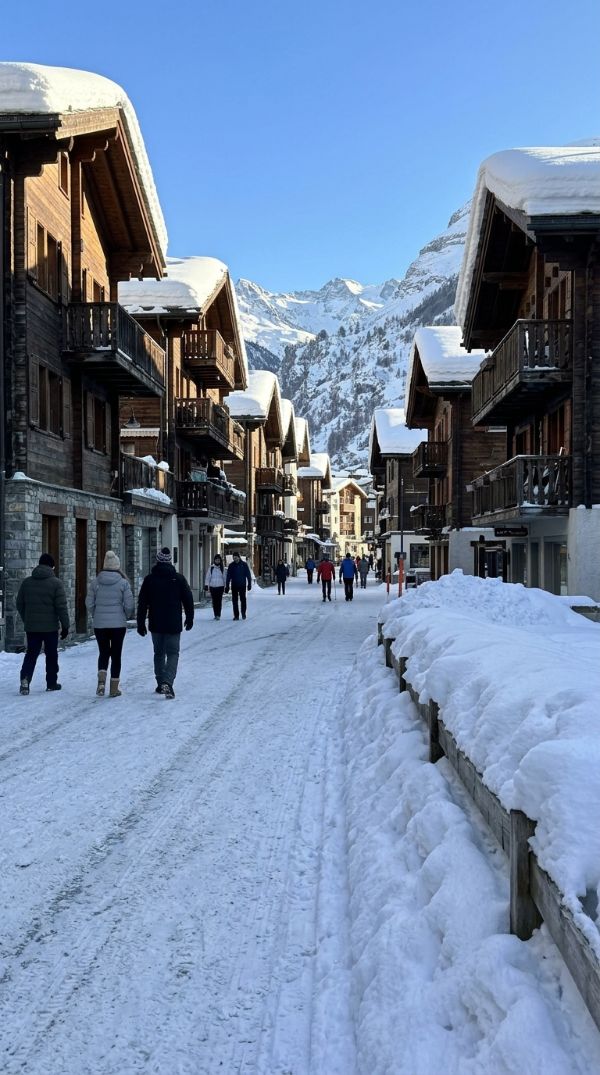
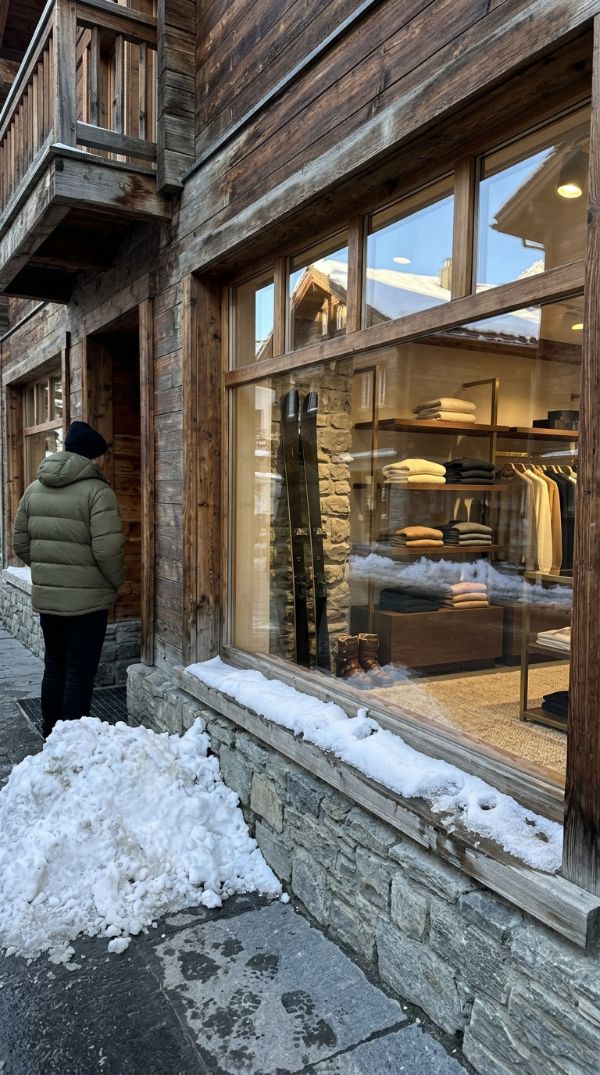
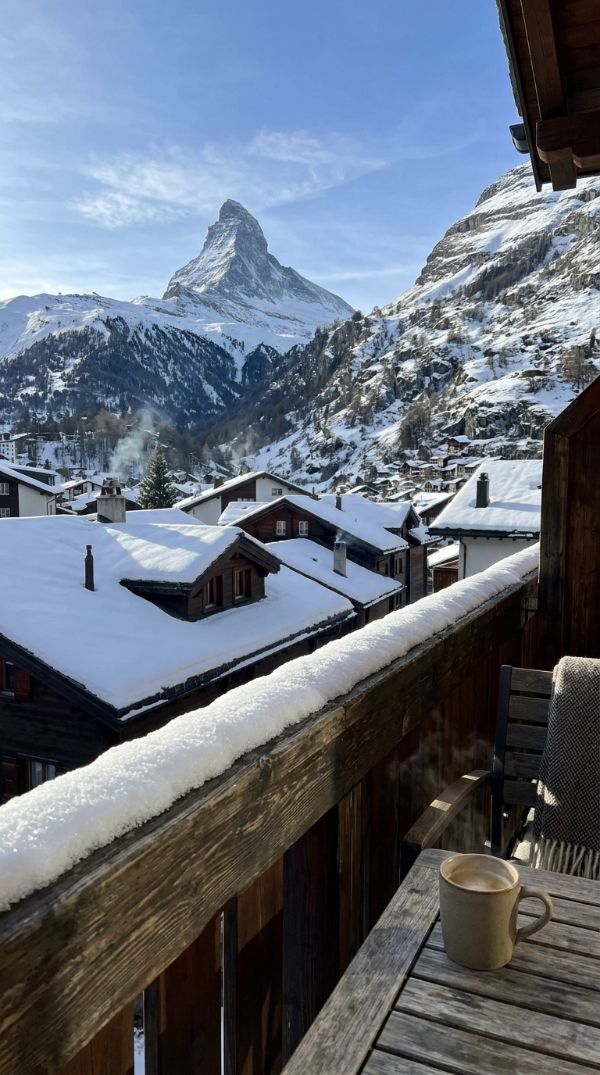
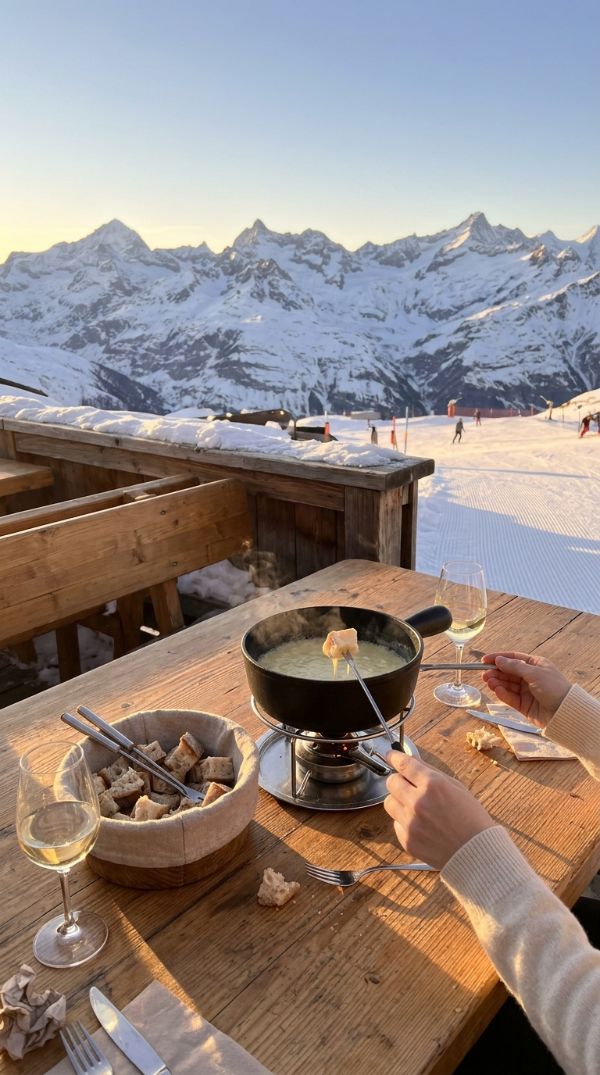
A full carousel planned by MUSE and generated in Google Flow on a free account, in 6 minutes.
 1
 2
 3
 4
 5
 6
 7
 8
After the reply
Tap to copy, then paste it into the chat.
No. MUSE works on free ChatGPT and Gemini accounts. Message and photo limits depend on each AI’s plan.
Yours. MUSE replies in the language you write in. The prompt comes in English, which works for any language; ask for another language if you prefer.
Yes, but MUSE will ask for one or two more. If you insist, it goes ahead, changes at least four elements of the scene and tells you.
In Google Flow, with your Google account. The guide shows every step, screen by screen.
Open “See the agent text”, press and hold the text and choose Select All. Or download the .txt file.
The agent text is in English. MUSE replies in the language you write in.